FOR YOUR CAMERA ROLL
KEEP THE MEMORIES
LOSE THE CLUTTER
SWIPE by Rendition is an iPhone photo organizer for photos and videos. Swipe to keep. Review before you delete.

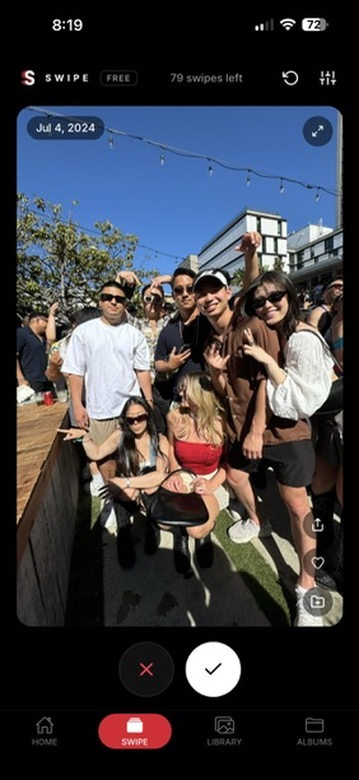
HOW SWIPE WORKS
SWIPE
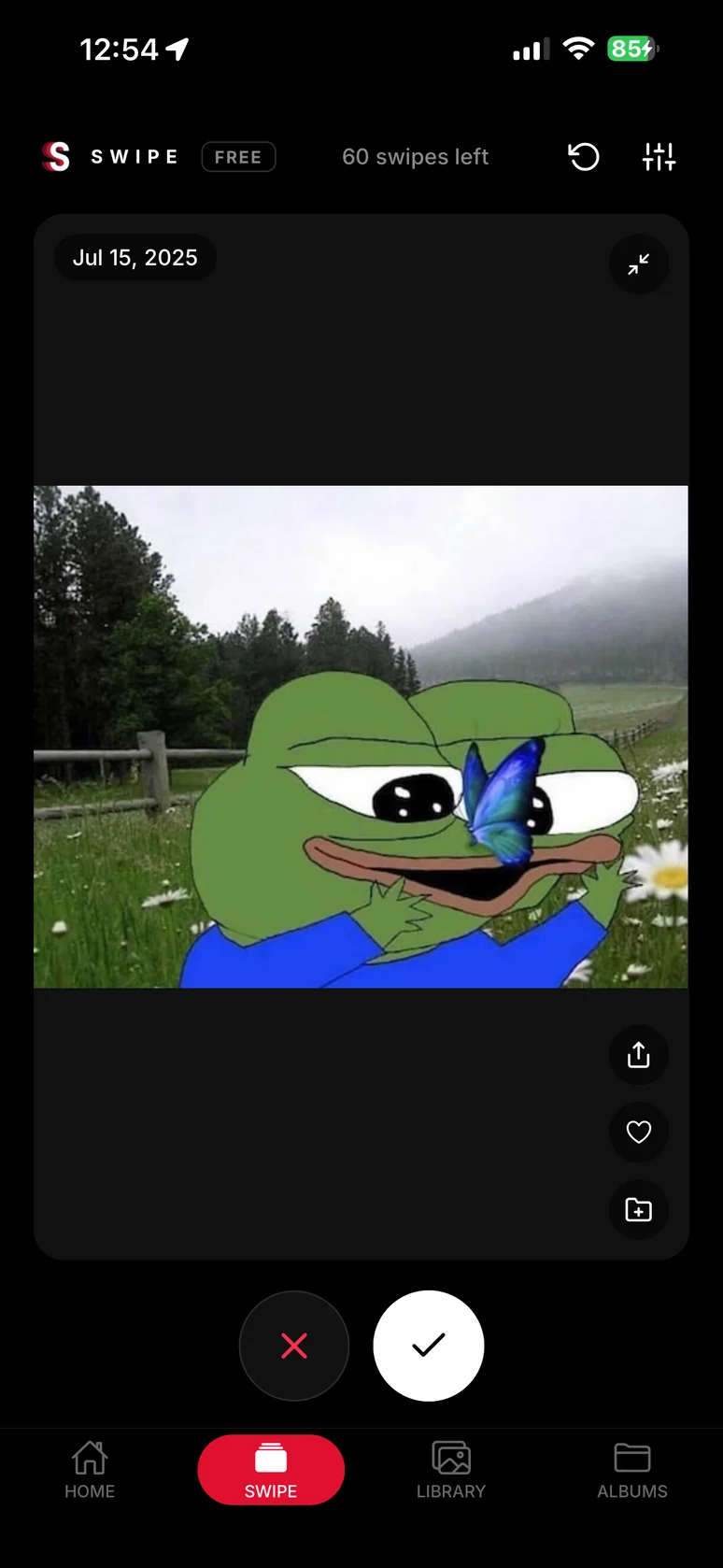
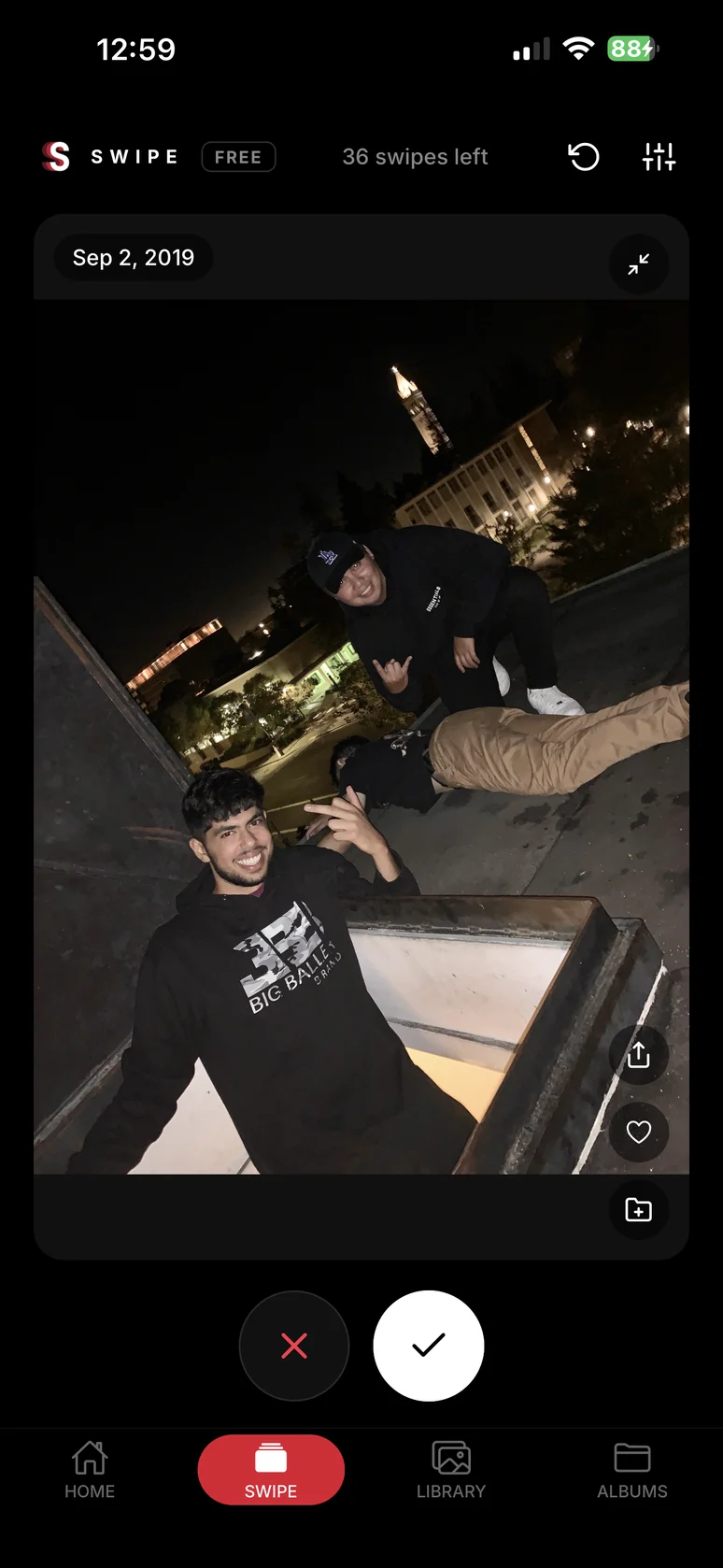
Swipe right to keep. Swipe left to add an item to the delete pile.
REVIEW
Check the delete pile. Restore anything you want to keep.
CONFIRM
Confirm deletion through iOS. Deleted items go to Recently Deleted in Apple Photos.
TRY THE GESTURE
Try keeping, trashing, and undoing with sample photos. Your library stays untouched.


All caught up
Sample review complete.
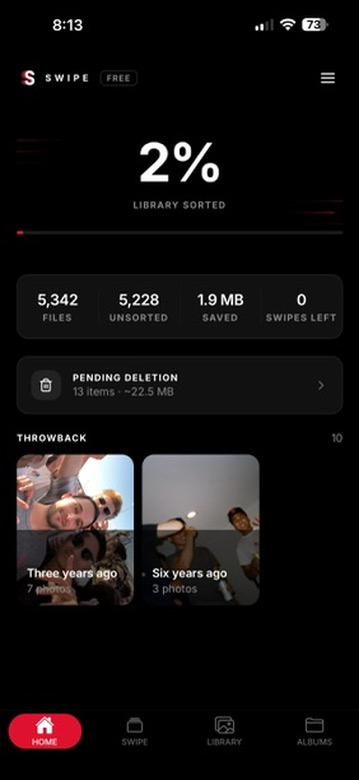
ORGANIZE YOUR IPHONE PHOTOS
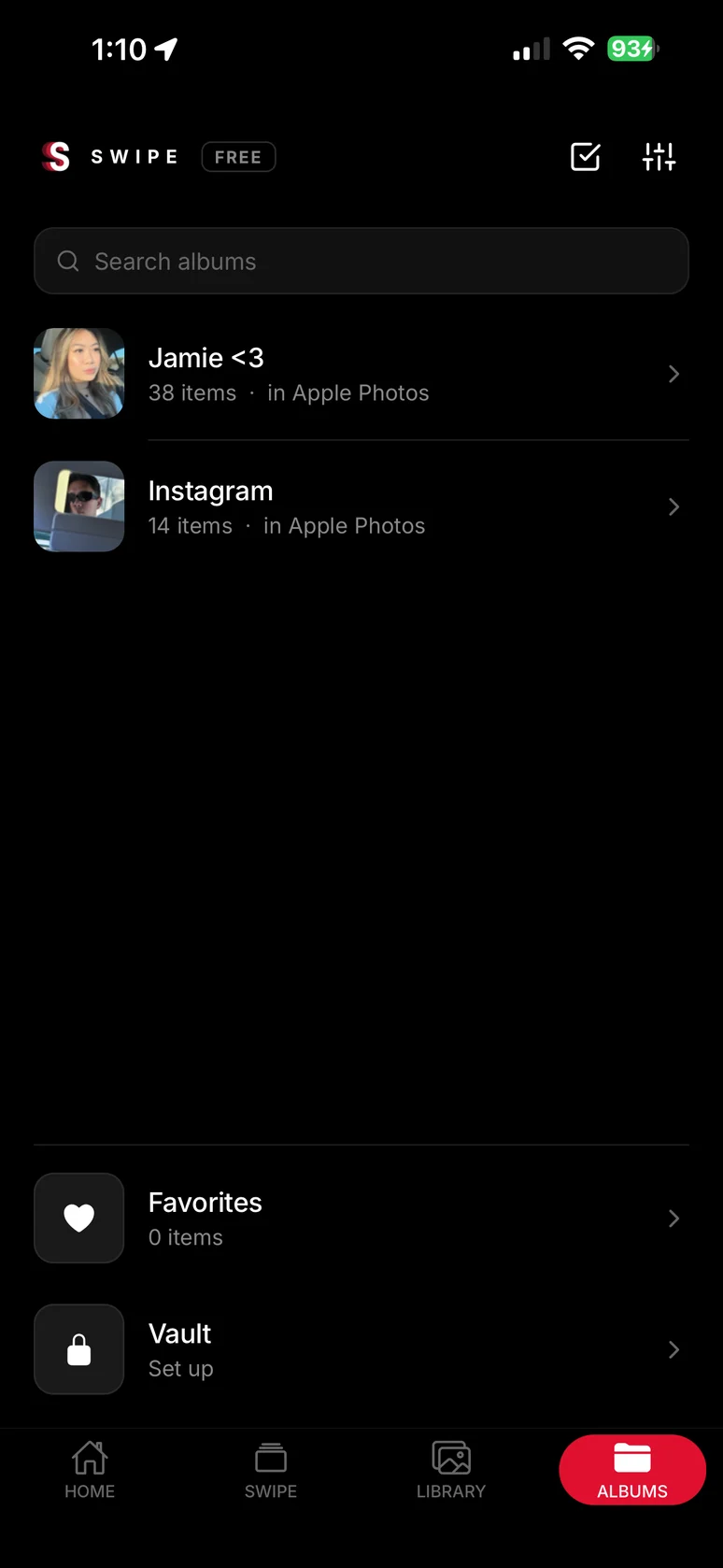
Review by date, browse albums, and organize your Apple Photos library.
WHY SWIPE
PRIVATE BY DESIGN
SWIPE does not upload your photo or video content to its servers or use AI to scan it.
REVIEW BEFORE DELETING
A left swipe creates a delete pile, not an instant deletion. Review it, then confirm through iOS.
BUILT FOR SPEED
Review one photo or video at a time. Keep, trash, or undo your last swipe.
REVIEW AND ORGANIZE
Review one item at a time, add photos to albums, and mark favorites. Swipe right to keep; swipe left to add items to the delete pile.
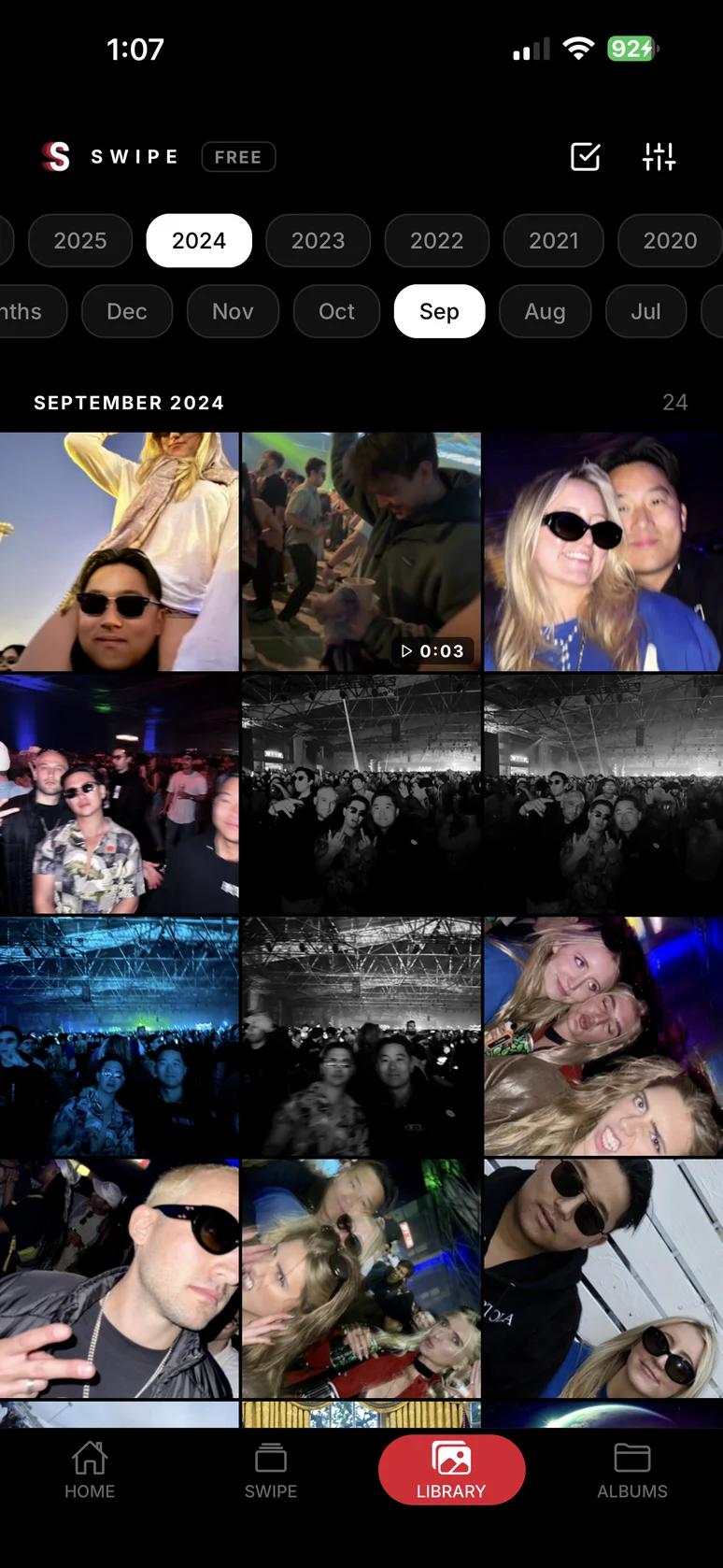
BROWSE BY DATE OR ALBUM
Jump to a month or year, or open an Apple Photos album or Favorites collection. Get to the photos you want without endless scrolling.
ENCRYPTED VAULT
Keep selected copies in a local Vault protected by a passcode. Premium feature. The Vault is encrypted on your iPhone and is not a cloud backup.
WHAT DOES SWIPE COST?
Free to start. Premium removes the daily limit and adds the encrypted Vault.
-
Free
100 swipes a day. Albums, library and delete pile included.
Free
-
Monthly
Unlimited swipes and the encrypted Vault.
USD 2.99 per month
-
LifetimeBest value
Same as Monthly, paid once. Not a subscription.
USD 19.99 one time
Reference storefront: United States (USD). Estimated App Store prices; select a country to localize.
Prices reflect the selected country. Your Apple App Store storefront determines the final price and availability.
QUESTIONS ABOUT SWIPE
What is SWIPE by Rendition?
SWIPE is an iPhone photo organizer for your Apple Photos library. Review photos and videos one at a time, swipe right to keep or left to add to a delete pile, and organize photos into albums. You review the pile before confirming deletion through iOS.
Is SWIPE free?
SWIPE's free plan includes 100 swipes per day, plus albums, library browsing, and the delete pile. Premium adds unlimited swipes and the encrypted Vault. For the United States reference storefront (USD), Premium is USD 2.99 per month or USD 19.99 once for lifetime access. Your Apple App Store storefront determines the final price and availability.
Does SWIPE upload my photos?
No. SWIPE does not upload your photo or video content to its servers or use AI to scan it. SWIPE backs up sorted-item identifiers, pending deletion identifiers and sizes, and progress counters under your signed-in account, scoped to your device and photo library. Albums, favorites, and Vault files are not uploaded to Rendition. Account, referral, purchase, and operational data are processed separately as described in our Privacy Policy. Your iCloud Photos settings still apply.
Does swiping left delete a photo immediately?
No. Swiping left adds a photo to SWIPE's delete pile. Review the pile and confirm deletion through iOS. Apple Photos then keeps deleted items in Recently Deleted for up to 30 days unless you permanently delete them sooner; storage may not be freed immediately.
How do I get SWIPE on my iPhone?
SWIPE is currently an iPhone beta distributed through Apple's TestFlight, not a launched App Store app. Select “Get the app,” install TestFlight if prompted, then accept the invitation and install SWIPE. The QR code opens the same TestFlight invitation on your iPhone.
Does SWIPE work with Apple Photos?
Yes. SWIPE works with the photo library you grant it access to, including Apple Photos albums and Favorites. Browse by month or year, organize photos into albums, and review what to keep or delete.
Does SWIPE use AI to choose what to delete?
No. SWIPE is a manual photo organizer, not an AI photo cleaner. You decide what to keep or add to the delete pile. SWIPE does not use AI to scan your photo or video content, and swiping left never deletes an item immediately.
Is the Vault a backup?
No. SWIPE's Premium Vault stores encrypted, passcode-protected copies locally on your iPhone. It is not a cloud backup or live iCloud sync. Eligible encrypted iCloud device backups may include local app data. Importing a copy does not remove the original from Apple Photos. Deleting the app or clearing its local data may delete Vault contents; there is no Vault passcode-recovery service.
TAKE CONTROL OF YOUR CAMERA ROLL
Start with 100 free swipes a day.